Introduction to the EPFO Member Portal
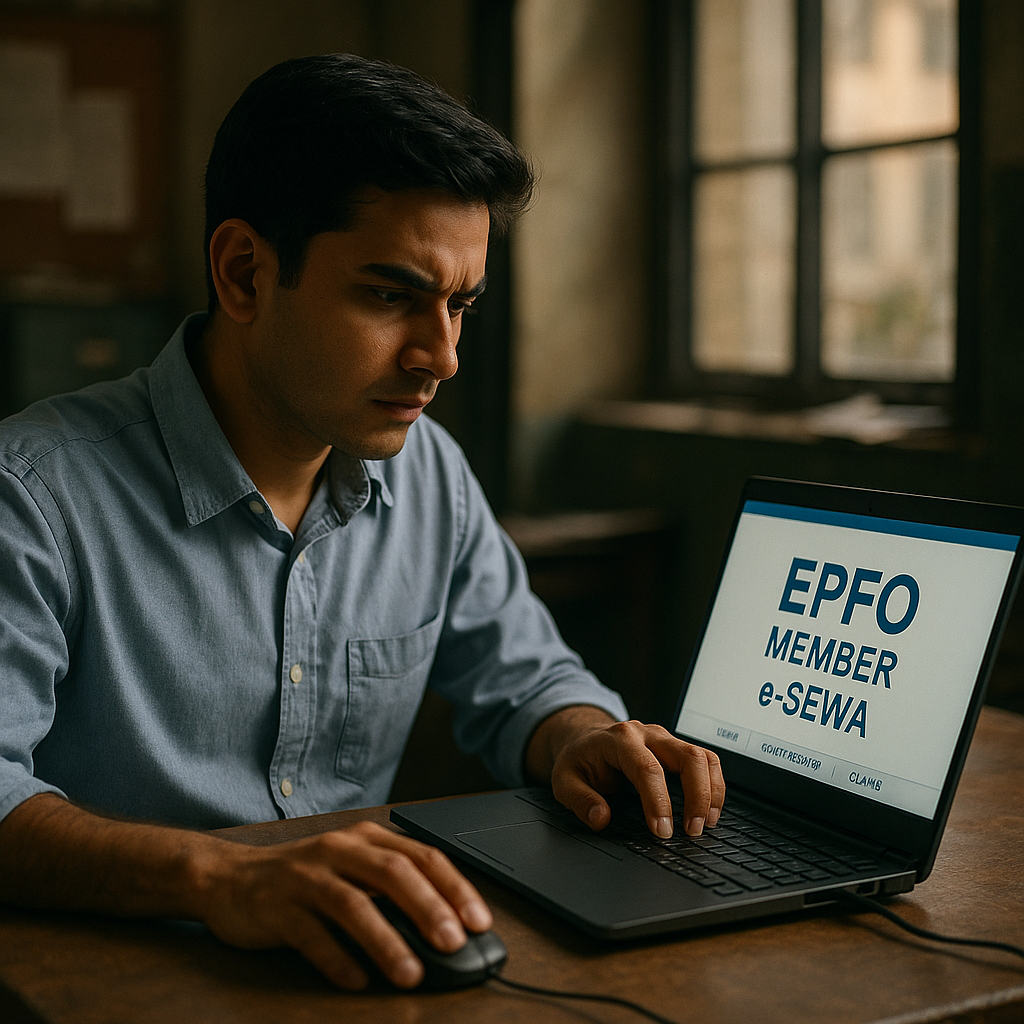
The Employees' Provident Fund Organisation (EPFO) member portal is an essential online resource for Indian employees and retirees. It allows users to manage their provident fund accounts, check balances, update personal information, and file claims. This guide aims to help first-time users navigate the portal efficiently, ensuring they can make the most of its features.
Background on EPFO
The EPFO is a statutory body under the Ministry of Labour and Employment, Government of India. It administers the Employees' Provident Fund (EPF), a retirement benefits scheme for employees in India. The EPFO member portal is a digital platform that facilitates easy access to EPF account details and services, providing transparency and control over retirement savings.
Accessing the EPFO Member Portal
To access the EPFO member portal, visit the official EPFO website. You will need your Universal Account Number (UAN) and password to log in. If you are a new user, you can activate your UAN by following the instructions provided on the portal. Activating your UAN is crucial as it enables you to utilize the portal's services fully.
Checking Your EPF Balance
One of the primary uses of the EPFO portal is checking your EPF balance. After logging in, navigate to the 'View Passbook' section. This feature provides a detailed view of your current balance and transaction history, helping you track contributions and understand the growth of your provident fund.
Updating Personal Information
Keeping your personal information up-to-date is vital for seamless EPF management. To update your details, go to the 'Manage' section and select 'Profile'. Here, you can edit your contact information, address, and other personal details. Accurate information is essential to avoid any issues with your EPF transactions.
Filing Claims Through the Portal
The EPFO member portal allows users to file claims for withdrawal, pension, and insurance benefits. To file a claim, select the 'Online Services' tab, then 'Claim (Form-31, 19, 10C, & 10D)'. Follow the instructions to complete your claim application. Ensure all required documents are uploaded to avoid delays.
Understanding Portal Downtime
Recently, the EPFO portal experienced downtime, affecting services like passbook access and claims filing. According to The Economic Times, the downtime was extended for a day, impacting users' ability to access essential services.
Why It Matters
Understanding how to navigate the EPFO portal is crucial for managing your retirement savings effectively. The portal provides transparency and control over your EPF account, enabling you to make informed decisions about your financial future. Regularly checking your balance and updating personal information can prevent potential issues and ensure smooth transactions.
Limitations and Challenges
While the EPFO portal is a valuable tool, users may face challenges such as technical glitches, downtime, and navigation difficulties. It is important to stay informed about any service interruptions and have alternative ways to access necessary EPF services, such as visiting a local EPFO office or contacting customer support.
Tips for Using the Portal Efficiently
- Regularly check your EPF balance to monitor contributions and growth.
- Update your personal information promptly to avoid transaction issues.
- Keep your UAN and password secure to prevent unauthorized access.
- During downtime, plan alternative ways to access necessary EPF services.
What Readers Should Watch Next
As technology and regulations evolve, the EPFO portal may undergo updates and changes. Users should stay informed about new features, security measures, and policy changes that could affect their EPF accounts. Following reliable news sources and subscribing to official EPFO updates can help you stay ahead.
Sources and Method
This analysis is based on information from reliable sources including The Economic Times, The Times of India, and India Today.
Additional source links:
Why this matters
For readers following Navigating the EPFO Member Portal: A Comprehensive Guide for First-Time Users, the useful takeaway is not just the headline. The important part is understanding what the available report confirms, what it leaves open, and why later updates may change the picture.
This article keeps the wording cautious because the source material is the factual boundary. The added context is meant to help readers understand the development without turning early information into unsupported claims.
What is still unclear
The linked source does not answer every possible follow-up question. Timelines, official responses, wider impact, and next steps may need clearer reporting before readers can treat them as settled facts.
Where the evidence is limited, the safer reading is to treat the current details as a snapshot. That approach protects readers from overconfident summaries and keeps the post useful even as the story develops.
Comments
Post a Comment